

01Case study
Johanna Clark Hair Salon
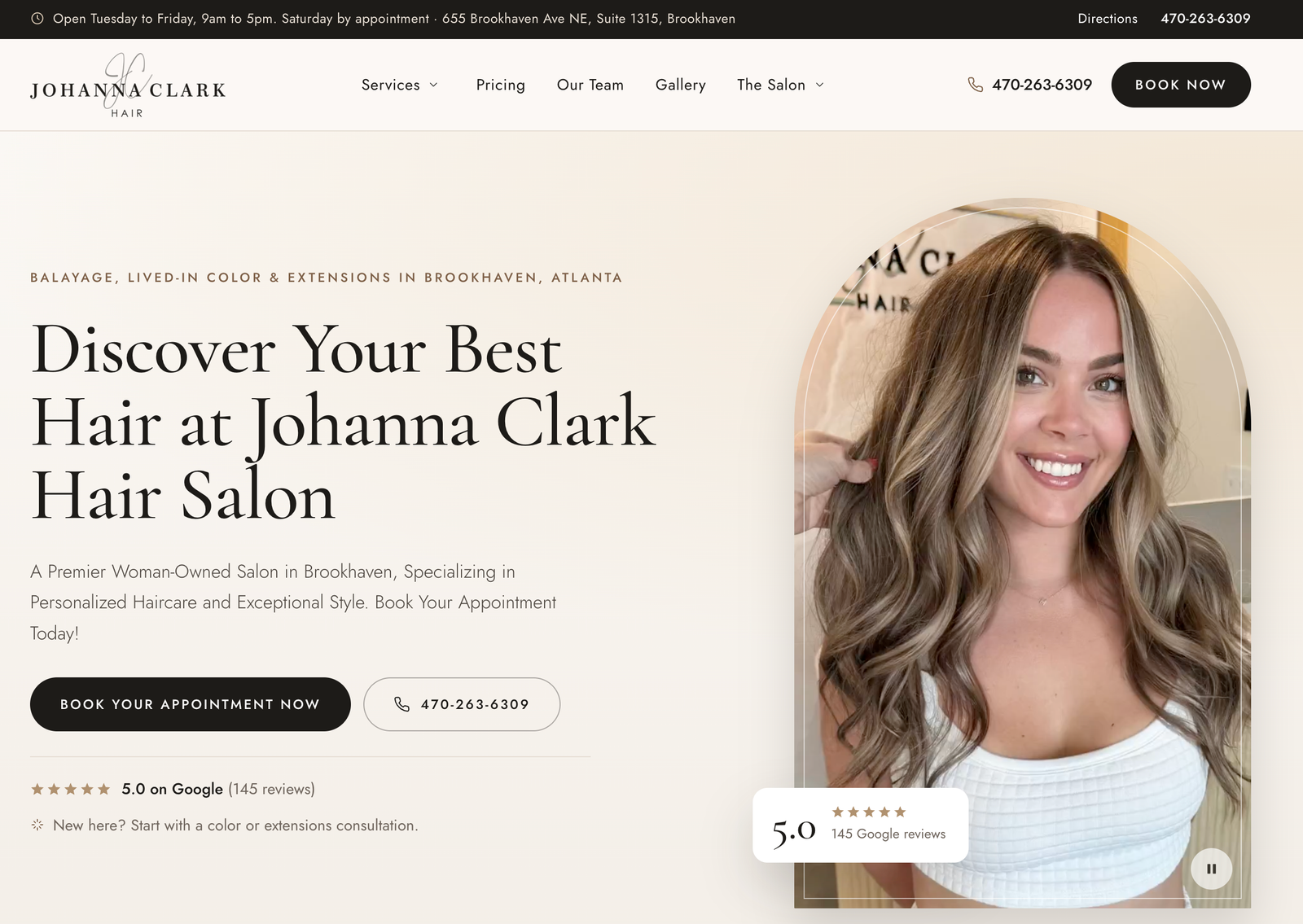
Salon website design case study: I rebuilt Johanna Clark Hair’s website on custom WordPress, moving a premier woman-owned salon in Brookhaven, Georgia off a Squarespace template and onto a fast, mobile-first site built to rank in Atlanta search, show up in Google Maps and AI answers, and turn visitors into booked appointments.
- Client
- Johanna Clark Hair
- Year
- 2026
- My role
- UX/UI Design & Front-End Development
- Category
- Salon Website Design · WordPress
- Live site
- johannaclarkatlanta.
com
02The goal
What was the goal of this salon website project?
Johanna Clark Hair already had a good-looking site. In 2024 I designed it in Figma and custom-coded it on Squarespace. It matched the quality of the salon’s work, but it had hit a ceiling: it couldn’t compete for search visibility in one of the busiest salon markets in the country.
The goal of the new build was clear. Keep the premium look and the messaging clients already trusted, then rebuild everything underneath it so the site works harder to get found and get booked.
The Challenge: A Great-Looking Site That Couldn’t Win Search
Atlanta salons fight for the same clients on Google, in the Map Pack, and increasingly in AI search tools like ChatGPT and Gemini. Before rebuilding, I audited the site and a dozen competing salons across Brookhaven, Buckhead, Sandy Springs, and Dunwoody. The problems were obvious:
- Limited SEO control. The old platform made it hard to manage structured data, page-level SEO, and redirects at the level a competitive local market demands.
- No structured data telling Google what the business is. Search engines and AI tools had to guess.
- Thin, overlapping service pages that competed with each other instead of ranking.
- Neighborhood pages that repeated the same content and focused on a single service.
- A gallery tied to an Instagram feed, which meant no descriptive, searchable content for the salon’s best work.
- Two live domains splitting authority between the old and new sites.
The opportunity was just as clear. Almost no competitor used proper salon schema, very few explained their services in depth, and Brookhaven itself was largely undefended.
Why WordPress Instead of Squarespace?
Squarespace was the right call in 2024, when the priority was a polished site the team could edit themselves. Once the priority became winning local search, WordPress was the better fit. It gives full control over schema, page structure, redirects, landing pages, and performance, while still giving the salon an easy editing experience.
How I Rebuilt the Site
I kept the brand, the content, and the messaging, and redesigned the user experience around one rule: every page leads to a call or a booking.
Key UX and SEO decisions
- Booking first, everywhere. Book and call actions are visible on every page, with a mobile-friendly path straight into the salon’s GlossGenius booking.
- Service pillar pages. Overlapping service pages were consolidated into in-depth pillar pages, with 301 redirects so no existing rankings were lost.
- Neighborhood landing pages. Rebuilt with unique local content for the areas the salon actually serves, instead of near-duplicate pages.
- HairSalon structured data. Clear business details, location, hours, and services in schema markup, so Google and AI search tools understand exactly what the salon is and where it is.
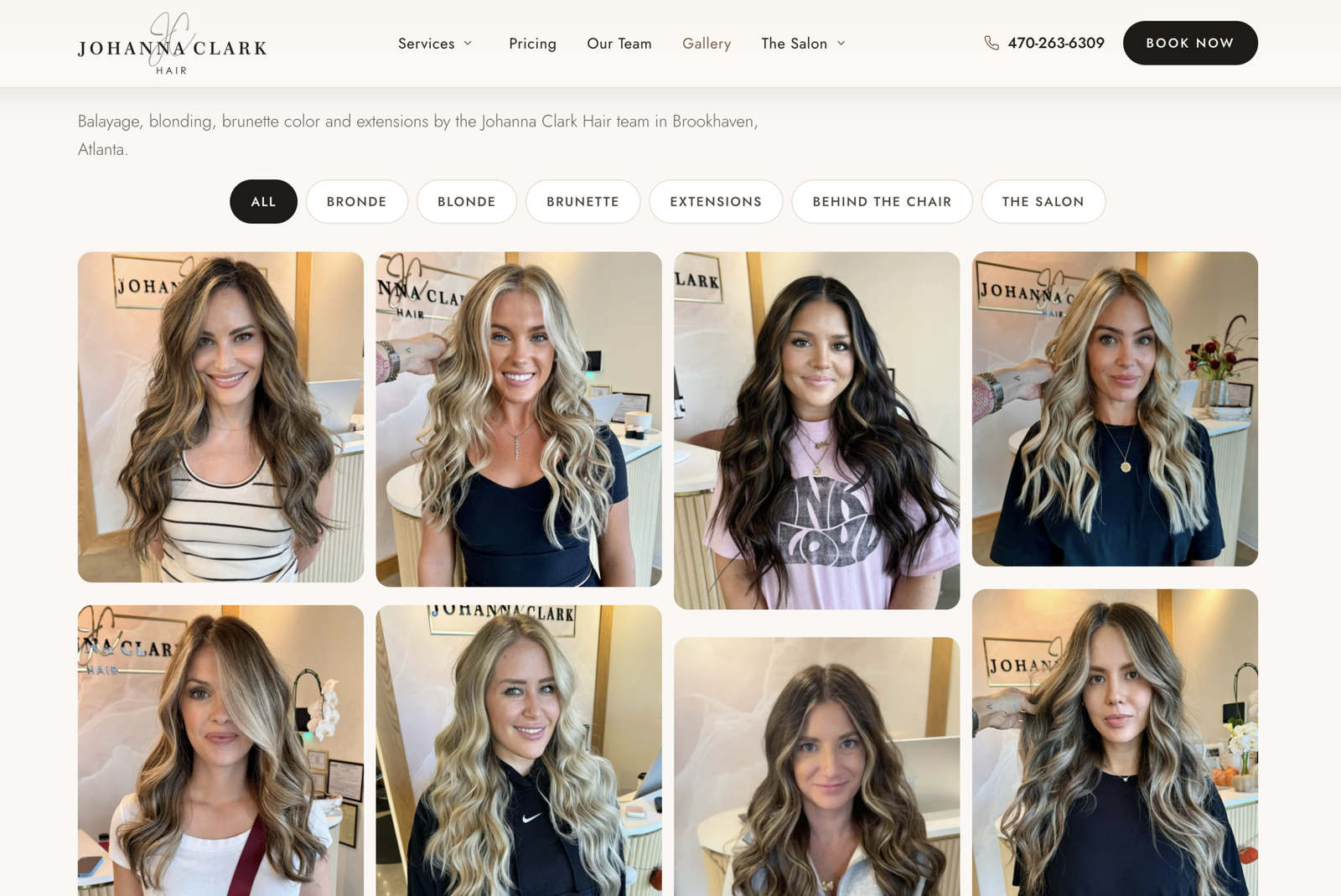
- A gallery built for search. The Instagram feed was replaced with a self-managed gallery, so every photo of the salon’s work can carry descriptive, keyword-relevant content.
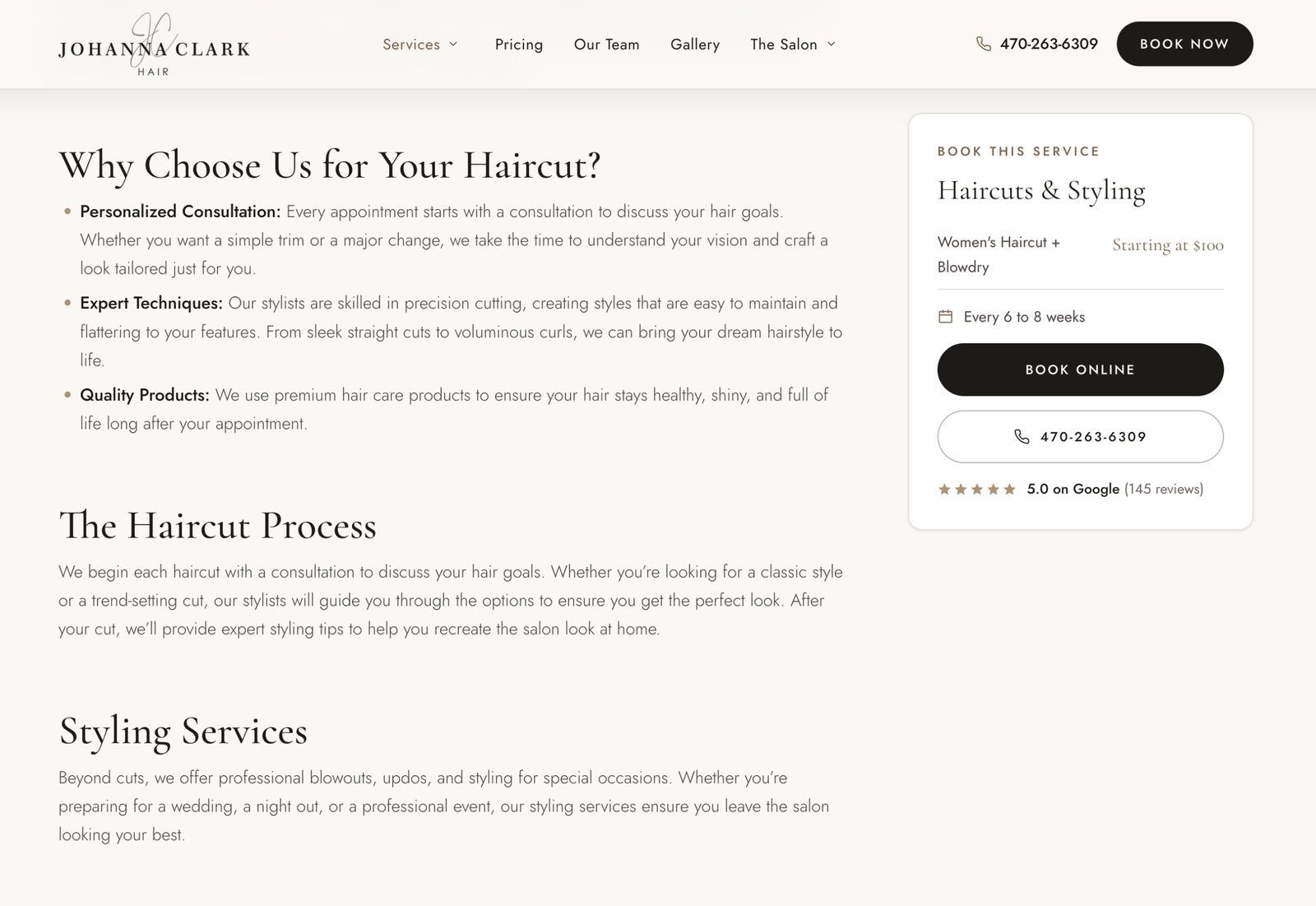
- Transparent pricing kept front and center. Starting prices, from a women’s haircut and blowdry starting at $100 to a full foil and blowdry starting at $300, help clients self-qualify before they book.
- One domain, one authority. The old Squarespace domain now 301 redirects to the new WordPress site, consolidating every link and ranking signal.
- Proper tracking. A clean Google Tag Manager setup measures calls, bookings, and form submissions, so marketing decisions are based on data.
What’s Included in the New Johanna Clark Hair Website
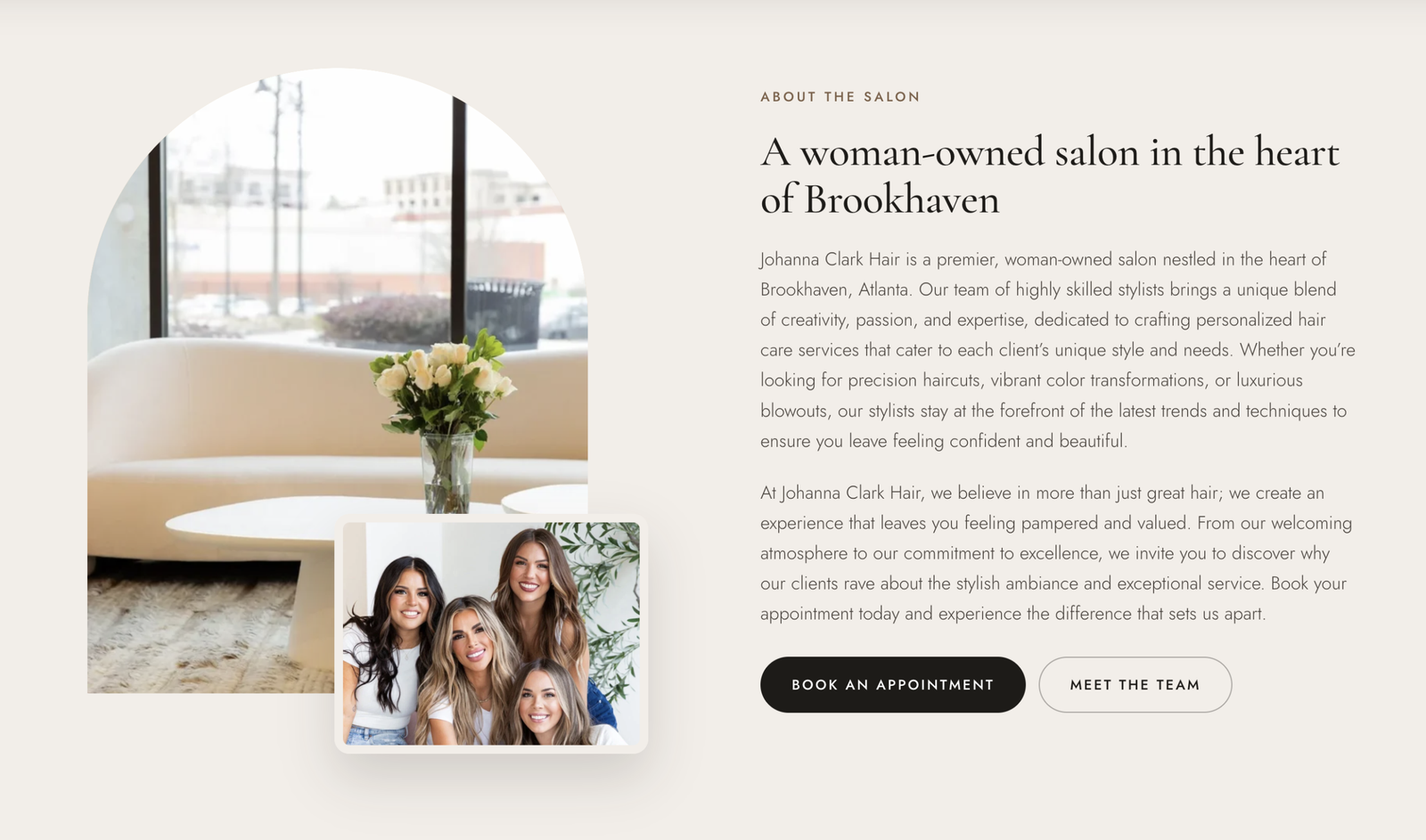
- Home: positions Johanna Clark Hair as a premier woman-owned salon in Brookhaven and drives visitors to book.
- Service pages: in-depth pages for core services like balayage, color, highlights, color correction, and cuts, each with pricing and a clear booking path.
- Neighborhood pages: local landing pages for clients searching from nearby Atlanta neighborhoods.
- Pricing: clear starting prices for every service.
- Gallery: the salon’s real work, organized and optimized for search.
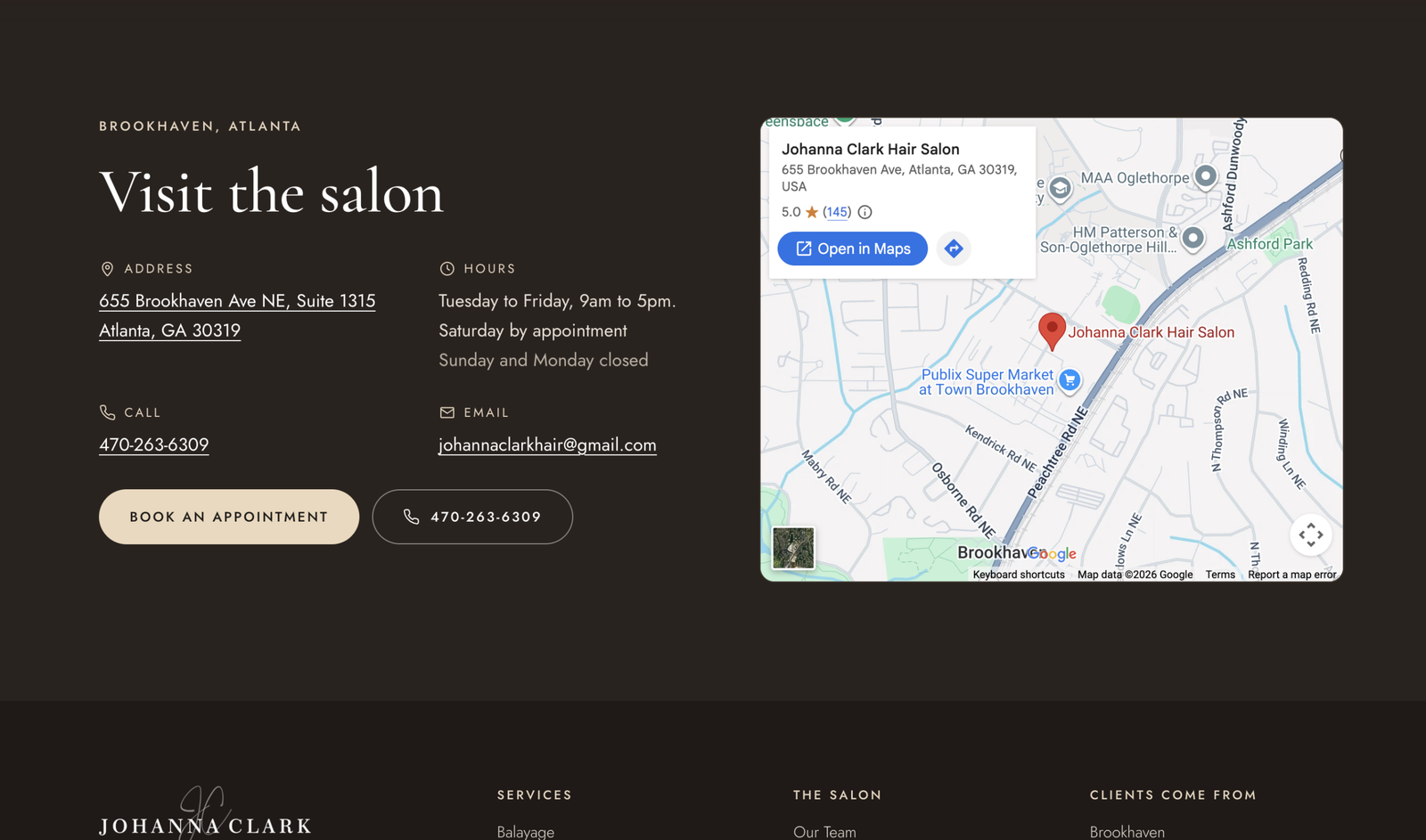
- Policies and Contact: booking, cancellation, and consultation expectations set up front, plus a fast, accessible way to reach the salon on any device.
You can see the live site at johannaclarkatlanta.com.
5 Salon Website Lessons Any Salon Owner Can Use
1. A beautiful site isn’t enough on its own
Design wins the visitor. Search visibility gets you the visitor in the first place. You need both.
2. Tell Google exactly what you are
Structured data for a hair salon (business type, address, hours, services, prices) helps you show up in Google, Google Maps, and AI search answers. Most salons skip it, which makes it an easy advantage.
3. One great page beats five thin ones
Several short pages on the same service compete with each other. One in-depth page per service ranks better and answers more client questions.
4. Make booking impossible to miss
Put booking in the header, on every service page, and in a thumb-friendly spot on mobile. Never make a ready-to-book client hunt for it.
5. Don’t let old sites split your rankings
If you move platforms or domains, redirect the old site properly. Otherwise you throw away years of links and search history.
Who This Kind of Project Is For
This approach fits salons, stylists, spas, and other appearance-based local businesses that:
- Have a site that looks good but doesn’t bring in enough new clients
- Compete in a busy local market like Atlanta
- Want to show up in Google Maps and AI search, not just regular search results
- Have outgrown Squarespace, Wix, or another template platform
Salon Website Design FAQs
Should my salon move from Squarespace to WordPress?
If your priority is ease of use and a simple brochure site, Squarespace is fine. If you compete in a busy local market and want full control over local SEO, structured data, service and neighborhood pages, and redirects, WordPress is the stronger choice.
Will I lose my Google rankings if I switch platforms?
Not if the move is done properly. Mapping every old URL to its new page with 301 redirects preserves your existing rankings and links. Skipping that step is where most migrations go wrong.
What pages does a hair salon website need?
At minimum: a homepage with a clear booking call to action, a page for each core service with pricing, a gallery of real work, a policies page, and a contact page. Neighborhood pages help if you draw clients from several nearby areas.
Should a salon website show prices?
Yes. Starting prices filter out poor-fit inquiries and build trust before a client ever books.
How do salons show up in ChatGPT and AI search?
AI tools favor businesses with clear structured data, consistent business details across the web, and in-depth service content that answers real client questions. The same work that helps you rank on Google helps you get recommended by AI.
Do you work with salons outside of Atlanta?
Yes. I work remotely with salons and local businesses across the US.
How much does a hair salon website cost?
It depends on the number of pages, custom features, and how competitive your market is. See my website design pricing for current packages, or start with a free website checkup.
03The outcome
Custom WordPress Build
This salon website project shows what happens when UX/UI design, custom WordPress development, and local SEO work together: Johanna Clark Hair kept the premium look clients know and gained a site built to get found in Google, Google Maps, and AI search, with a clear path to booking on every page. If your salon or local business looks great online but isn’t getting found, I can help. Book a free call or run a free website checkup to see where your site stands today.
04The work
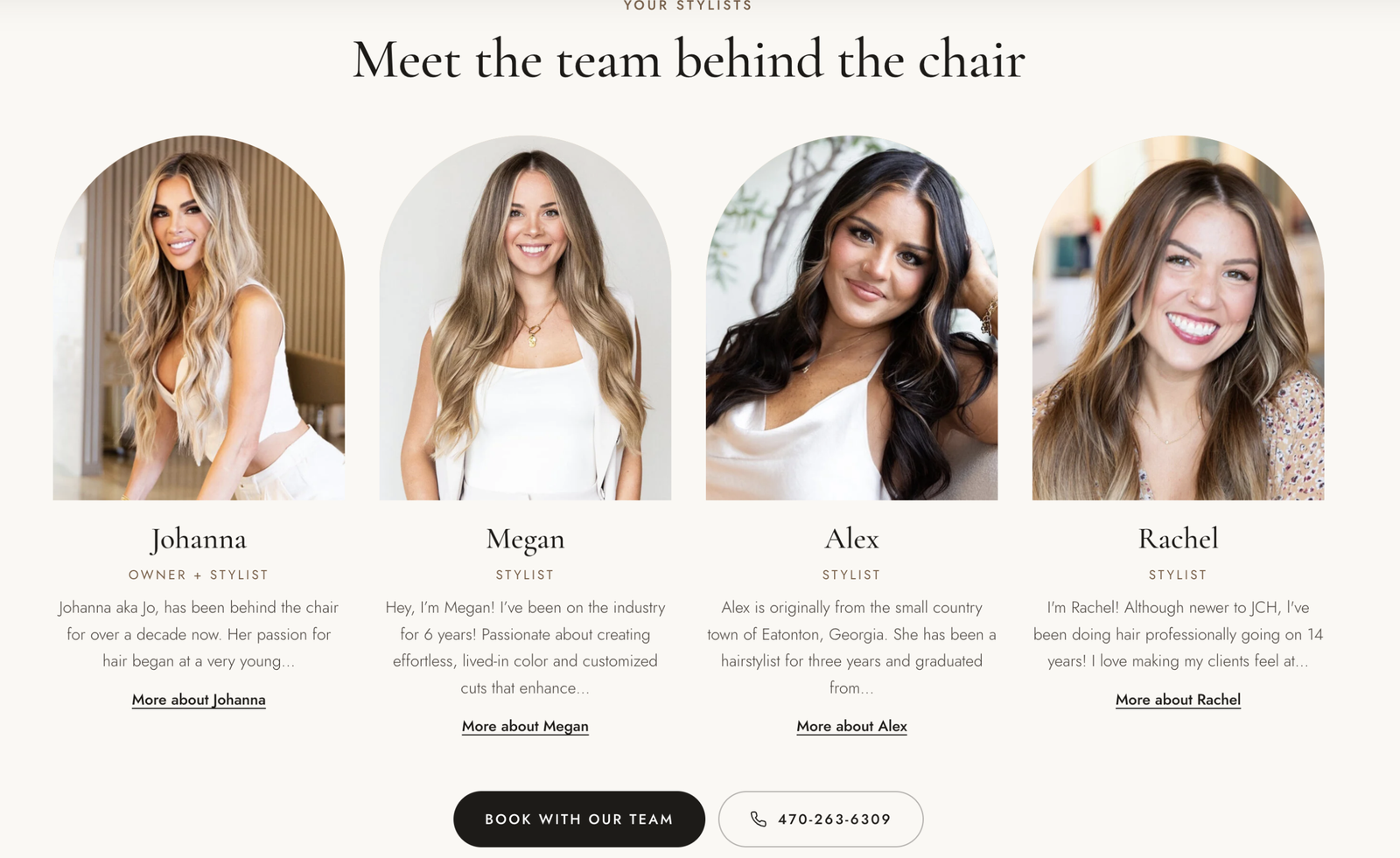
Screens from the build
6 screens. Tap any to enlarge.
(view larger)
 (view larger)
 (view larger)
 (view larger)
 (view larger)
 (view larger)